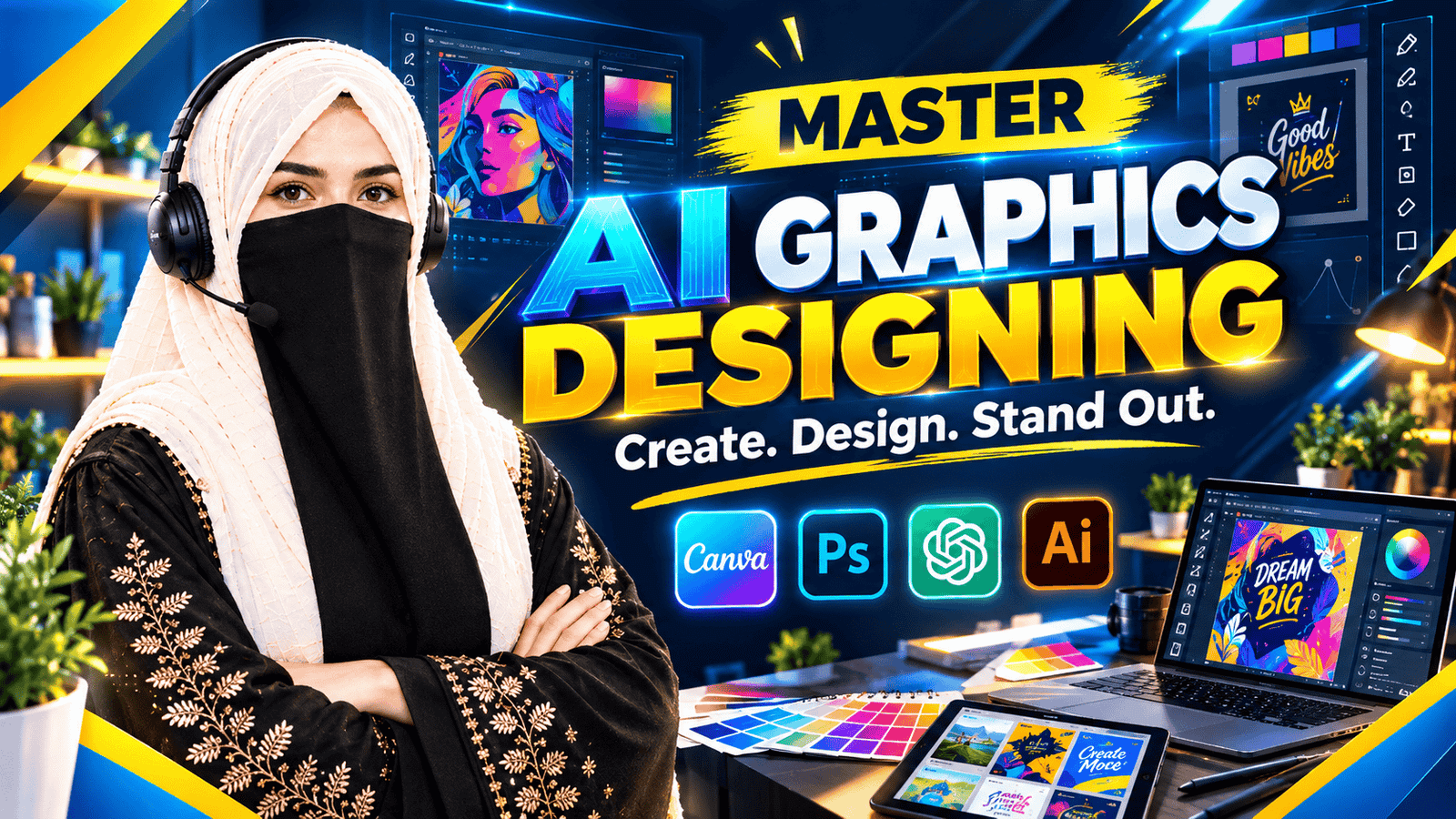
Mobile Graphics Designing with Advanced Canva

Categories: Graphics Designing
Wishlist Share

About Course

Mobile Graphics Designing with Advanced Canva

Develop your creative skills with E-Vision and learn how to design engaging digital graphics using Canva on your mobile device.

This course explores Canva’s design workspace, advanced design features, social media post creation, logo concepts, flyers, and creative visual content. Learn how to combine layouts, typography, colors, images, and visual elements to produce polished designs for different digital platforms.

Through structured learning modules and practical design activities, learners will explore mobile-friendly design workflows, create social media graphics, develop logo concepts, prepare promotional flyers, and improve the presentation of their creative work.

What You Will Learn

Canva Mobile Workspace and Design Tools

Social Media Post Design

Logo Concepts and Branding

Flyer Design and Promotional Graphics

Creative Layouts, Typography and Color Coordination

Image Placement and Visual Composition

Advanced Canva Features and Design Workflows

Practical Graphics Design Projects

Who Should Enroll?

This course is suitable for content creators, social media managers, freelancers, small business owners, students, and individuals interested in creating attractive digital graphics using Canva.

Learners can develop their design skills through guided practice and explore techniques for creating visual content for social media, promotions, and branding.

Start creating with Canva and develop your mobile graphics design skills with E-Vision.

Show More

What Will You Learn?

  • β€’ Navigate Canva and use its mobile design tools.
  • β€’ Create engaging social media posts using Canva.
  • β€’ Design professional-looking logos and brand graphics.
  • β€’ Create promotional flyers and digital advertisements.
  • β€’ Apply typography, color coordination, and visual hierarchy.
  • β€’ Use images, elements, and layouts effectively.
  • β€’ Explore advanced Canva features for creative projects.
  • β€’ Prepare graphics in suitable formats for digital platforms.
  • β€’ Develop a collection of practical design samples.

Course Content

Introduction to Canva Mobile
.Learn how to access Canva on a mobile device and explore its workspace, design formats, templates, and essential editing tools. Understand how to start a design project and navigate the main features used to create digital graphics.

Canva Tools, Elements & Templates
Explore Canva's design elements, text tools, images, icons, shapes, and templates. Learn how to arrange and customize visual components, adjust spacing and alignment, and build balanced designs using mobile-friendly editing techniques.

Advanced Canva Features & Workflow
Discover available advanced Canva features and learn how to refine designs, customize templates, organize design elements, and improve creative workflows. Explore useful tools for producing polished graphics and preparing designs for different purposes.

Social Media Post Design
.Learn to create engaging social media posts using Canva. Explore layouts, typography, color combinations, image placement, and visual hierarchy to design attractive content for platforms such as Instagram and Facebook.

Logo Design & Branding
Understand the fundamentals of logo design and brand identity. Learn how to combine typography, shapes, icons, and colors to develop logo concepts and create consistent visual branding for businesses and personal projects.

Flyer Design & Promotional Graphics
Learn to create professional-looking flyers and promotional graphics using Canva. Explore headline placement, text hierarchy, imagery, spacing, color coordination, and clear presentation of promotional information for digital or print use.

Creative Graphics & Visual Composition
Explore creative design techniques for combining images, typography, colors, shapes, and graphic elements into visually appealing compositions. Learn how to develop original concepts and maintain consistency across different types of digital designs.

Practical Design Projects & Exporting
Apply the Canva techniques covered in the course by creating practical design projects, including social media graphics, a logo concept, and a promotional flyer. Learn to review the final design, make necessary refinements, and export graphics in suitable formats for sharing or printing.

Student Ratings & Reviews

No Review Yet
No Review Yet