About Course
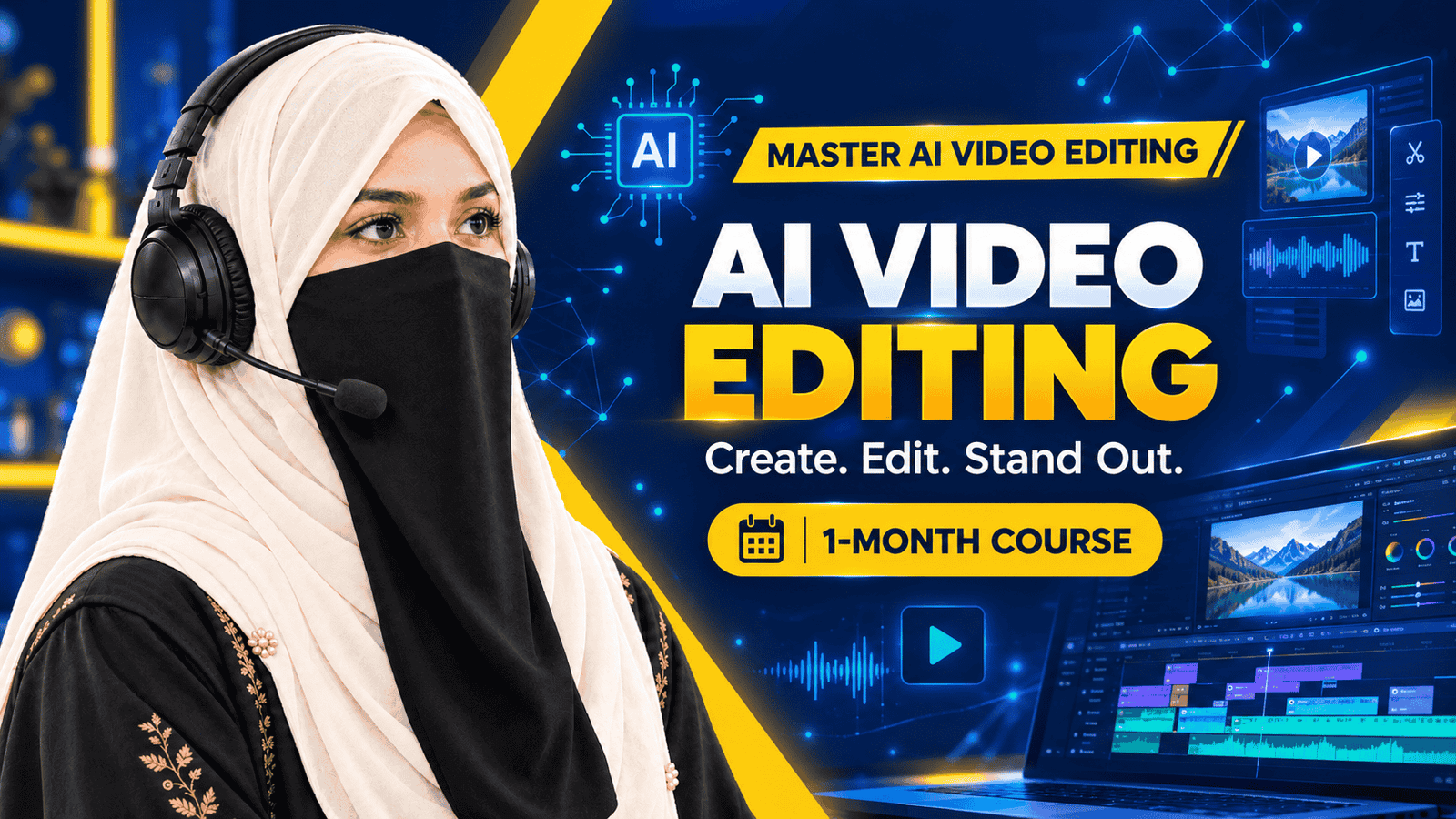
AI Video Editing Course – E-Vision
Learn AI. Create Content. Edit Like a Pro.
Discover modern video editing techniques and explore AI-powered tools with the AI Video Editing Course by E-Vision. This one-month course covers video editing fundamentals, clip cutting and trimming, AI-powered enhancements, text and subtitles, audio editing, transitions, visual effects, and social media video creation.
Explore popular video editing tools including CapCut, Adobe Premiere Pro, Filmora, DaVinci Resolve, Runway AI, Pictory AI, Descript, and Canva, as covered in the course lessons.
What You Will Learn
Develop your understanding of video editing workflows, improve audio and visual quality, create engaging videos for YouTube and social media, and explore professional editing techniques.
Course Duration
1 Month
Who Is This Course For?
This course is designed for anyone interested in developing video editing and content creation skills, including beginners, students, freelancers, YouTube creators, social media marketers, and working professionals.
Explore AI-assisted editing techniques and develop your creative skills with E-Vision.
Course Content
Introduction to AI Video Editing
Video Cutting & Trimming
AI-Powered Enhancements
Text, Titles & Subtitles
Audio Editing with AI
Transitions & Visual Effects
AI Shorts & Social Media Editing
Final Project & Export
Student Ratings & Reviews