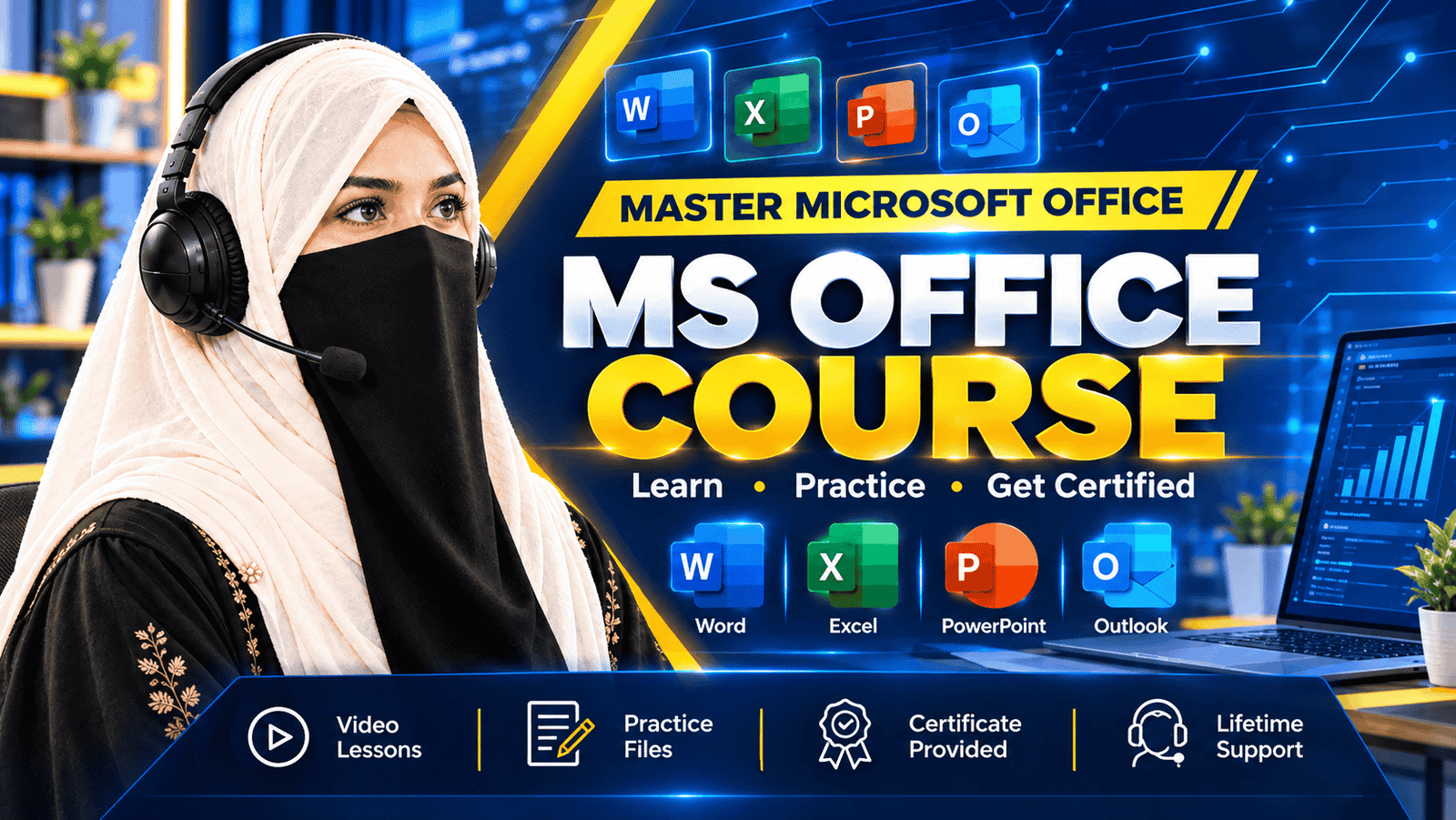
MS Office Course

Categories: Microsoft Office
Wishlist Share

About Course

Build practical digital productivity skills with E-Vision’s 3-Month MS Office Course.

This course covers Microsoft Word, Excel, PowerPoint, Outlook, and the basics of Microsoft Access. Through structured lessons and practical exercises, learners develop the skills needed to create professional documents, organize and analyze data, design presentations, manage emails and calendars, and understand basic database management.

What makes this course valuable:
• 100% online classes
• Practical, hands-on training
• Step-by-step learning across five Microsoft Office applications
• Certificate of completion
• Learning support and freelancing guidance

This course is suitable for students, beginners, job seekers, professionals, and anyone who wants to strengthen their computer and workplace productivity skills.

Course Duration: 3 Months.
Institution: E-Vision.

Show More

What Will You Learn?

  • Create professional documents using Microsoft Word.
  • Format documents using styles, tables, columns and templates.
  • Use Microsoft Excel formulas and functions for calculations.
  • Organize, sort and filter data efficiently.
  • Create charts, graphs, pivot tables and dashboards.
  • Design engaging Microsoft PowerPoint presentations.
  • Manage emails, contacts and calendars in Outlook.
  • Understand basic database management in Microsoft Access.
  • Complete practical tasks using Microsoft Office applications.
  • Improve everyday digital productivity and workplace skills.

Course Content

Microsoft Word
Learn how to create, format, and manage professional documents using Microsoft Word. Explore text formatting, styles, templates, tables, columns, pictures, shapes, mail merge, and essential tools for preparing high-quality documents for academic and professional use.

Microsoft Excel
Discover how to organize data and perform calculations using Microsoft Excel. Learn about spreadsheets, data entry, cell formatting, formulas, functions, sorting, filtering, data validation, charts, graphs, pivot tables, and basic data analysis to improve productivity.

Microsoft PowerPoint
Learn to create professional presentations using Microsoft PowerPoint. Explore slide layouts, themes, transitions, animations, images, audio, video, and visual design techniques. Develop the skills needed to present ideas clearly and create engaging presentations for academic and professional purposes.

Microsoft Outlook
Learn how to use Microsoft Outlook to manage emails, contacts, calendars, schedules, tasks, and reminders. Understand how to send and organize messages, manage appointments, use email rules, and improve communication and productivity in everyday academic and professional activities.

Microsoft Access (Basics)
Explore the fundamentals of Microsoft Access and learn how to organize and manage information in databases. Understand database concepts, tables, fields, relationships, queries, forms, and reports. Apply these concepts by planning and creating a simple database project.

Student Ratings & Reviews

No Review Yet
No Review Yet